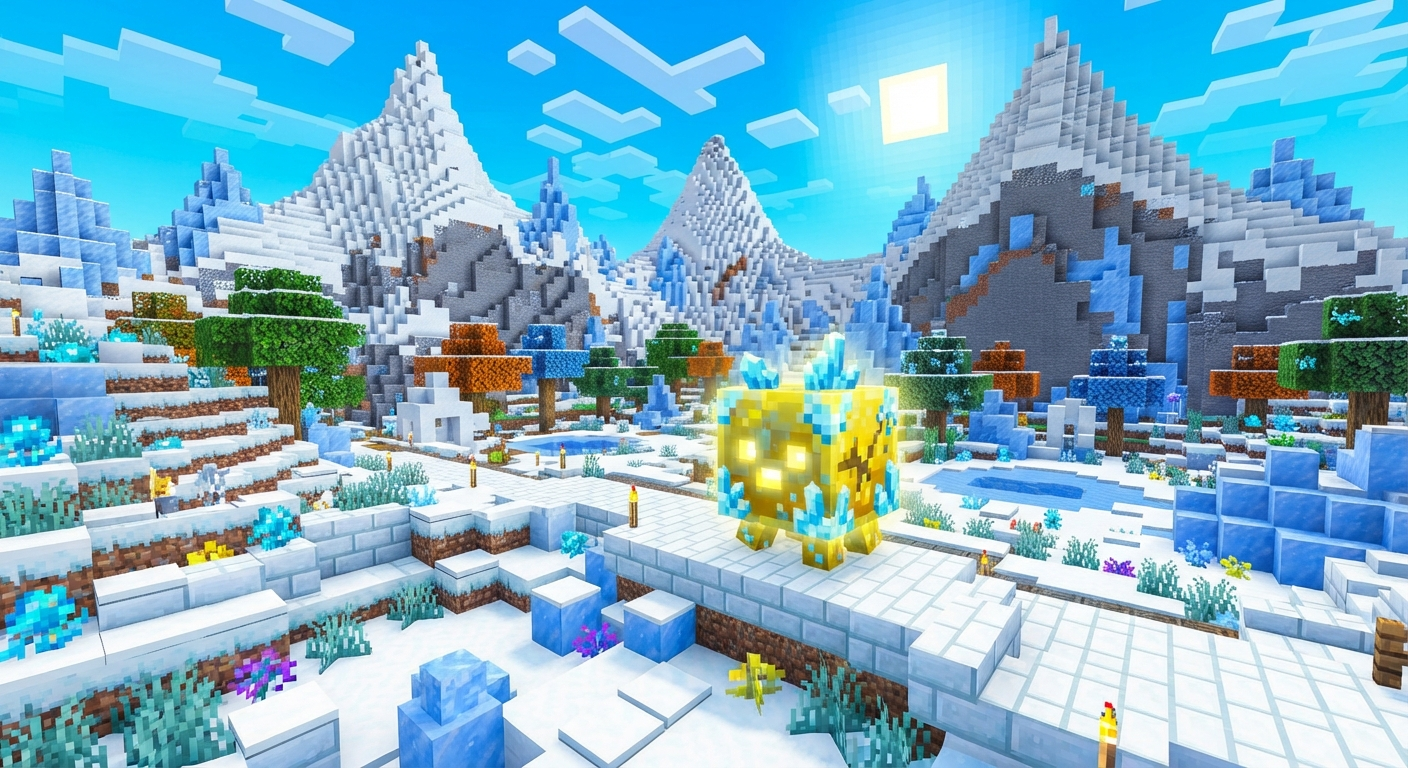
Minecraft has always been great on handheld consoles, but playing it on Nintendo’s new hardware takes the experience to a whole new level. If you are wondering how Minecraft performs on the Nintendo Switch 2, what new graphical enhancements are included, and how to get started, this complete guide has you covered!
What Makes Minecraft on Nintendo Switch 2 Special?
If you played Minecraft on the original Switch, you’ll notice the difference on the Switch 2 right away. The game runs significantly smoother and responds instantly. Here’s a quick breakdown of the improvements.
1. Enhanced Performance & Higher Framerates
Stable 60 FPS: No more choppy frame rates—combat and block placement stay smooth in both handheld and docked modes.
Faster Load Times: Thanks to the high-speed storage technology of the new console, entering worlds, joining servers, and traveling through Nether portals happens in a fraction of the time.
2. Improved Draw Distances & Graphics
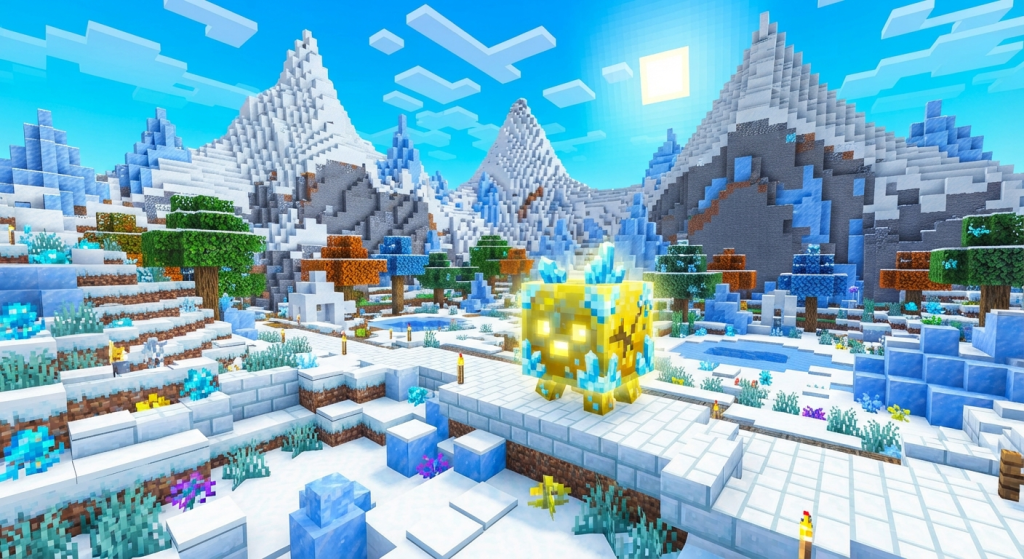
Expanded Render Distance: Say goodbye to heavy fog hiding your horizons. You can now see much further across landscapes, making exploration and building on a grand scale much easier.
Sharper Resolution: Play in crisp high definition whether you are playing on the go or hooked up to your big-screen TV.
3. Full Cross-Play Support
Play seamlessly with your friends regardless of what platform they are using. Whether they are on PC, Xbox, PlayStation, mobile, or original Nintendo Switch, cross-play via Microsoft accounts is fully supported.
How to Get and Play Minecraft on Nintendo Switch 2
Getting started with Minecraft on the new console is simple:
Open Nintendo eShop: Turn on your Nintendo Switch 2 and launch the digital Nintendo eShop.
Search for Minecraft: Type “Minecraft” in the search bar.
Download or Upgrade:
Already own the digital copy on the original Switch? Check your eShop library to redownload it or claim your upgrade.
If you are a new player, purchase and download the game directly to your console.
Sign In with Microsoft: Log into your free Microsoft account to sync your Marketplace purchases, skins, Minecoins, and play with friends online.
Tips for the Best Experience
Host-Free Multiplayer (Realms): If you don’t want to worry about who is hosting, set up a Realm. It keeps your world live in the cloud 24 hours a day so anyone can log on at any time.
Explore the Marketplace: Customize your worlds with texture packs, custom maps, and add-ons directly from the in-game Marketplace.
Final Thoughts
Playing Minecraft on the Nintendo Switch 2 combines the ultimate portability of handheld gaming with console-grade performance. Are you excited to start a new survival world on the upgraded hardware? Let us know in the comments below!